



![spare parts catalog CLAAS Parts Doc Offline Update v919 [02.2026]](/imgs/type_zapch.gif)
The Claas parts catalog 02/2026 Upd 919 features step-by-step service procedures, repair illustrations, detailed wiring diagrams, and manufacturer specifications and are easy to follow.
200$
[02/2026]

| |
| Type of catalogue: | Diagnostic Software |
| Make: | Hyster |
| Region: | WorldWide |
| Inclusive languages: |
German, English, French, Spanish, Italian |
| Amount of disks: |
1 CD |
| OS: | Windows 7 32 bit, Windows 7 64 bit, Windows 8/8.1 32 bit, Windows 8/8.1 64 bit, Windows 10 32 bit, Windows 10 64 bit, Windows 11 64 bit, Windows 11 Pro 64 bit |
| Price, USD: | 150 |
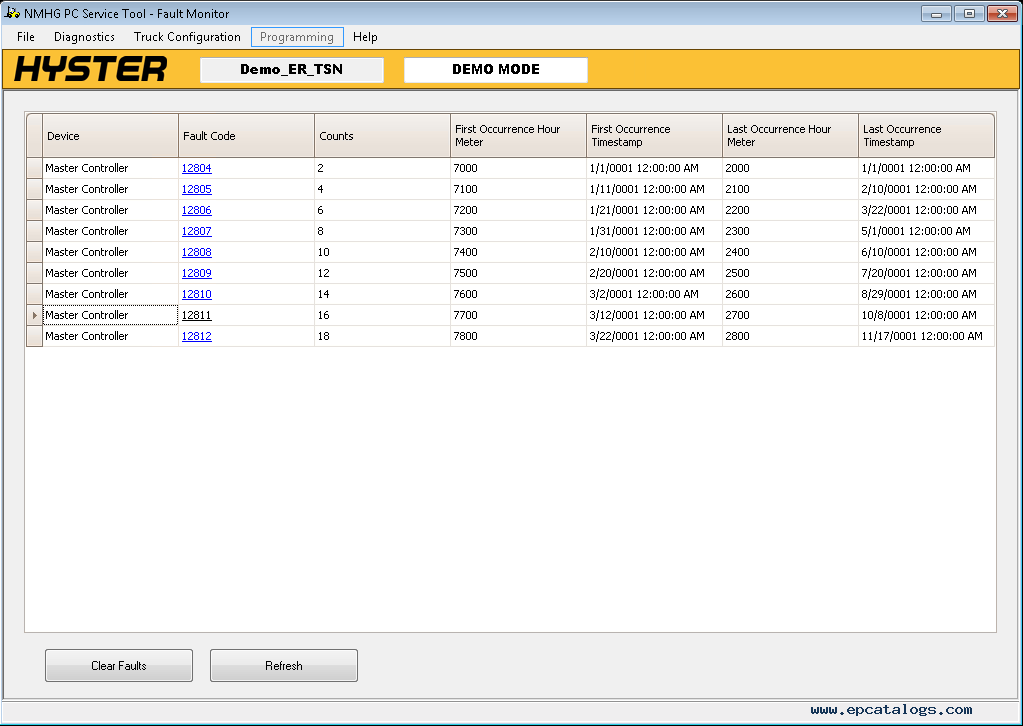
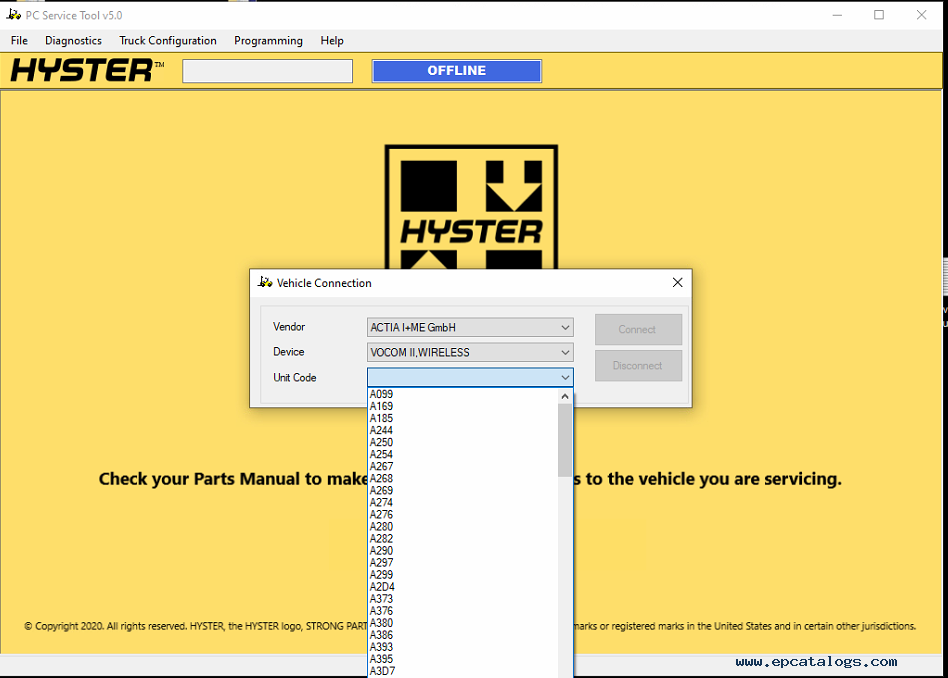
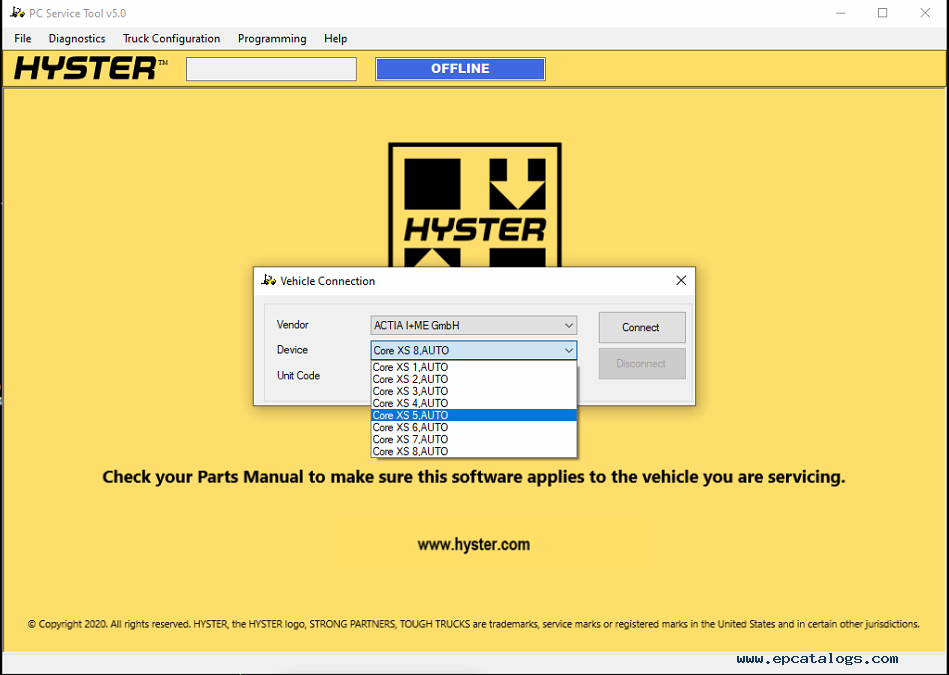
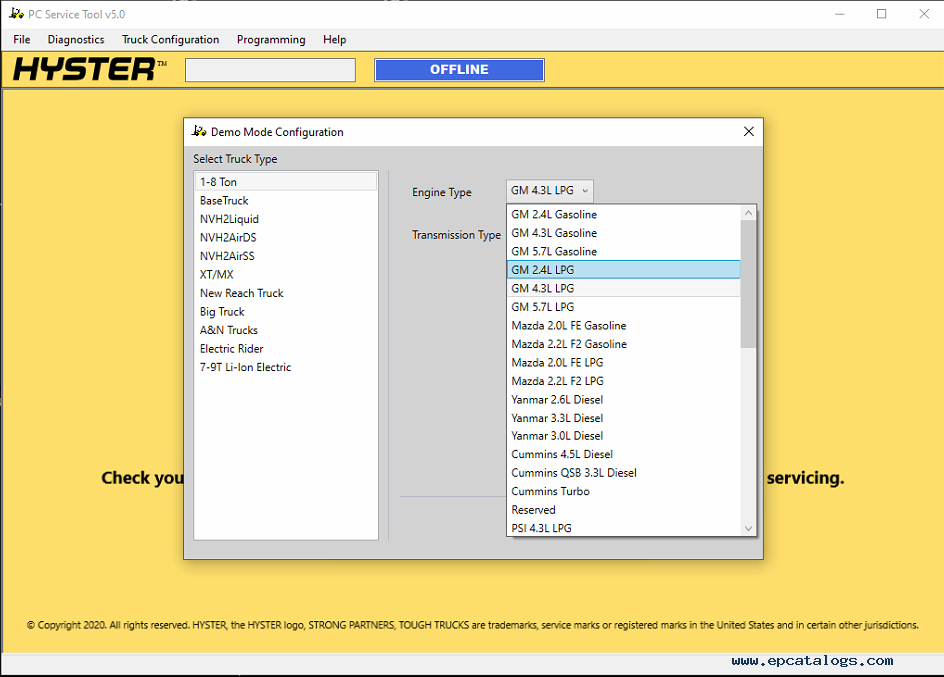
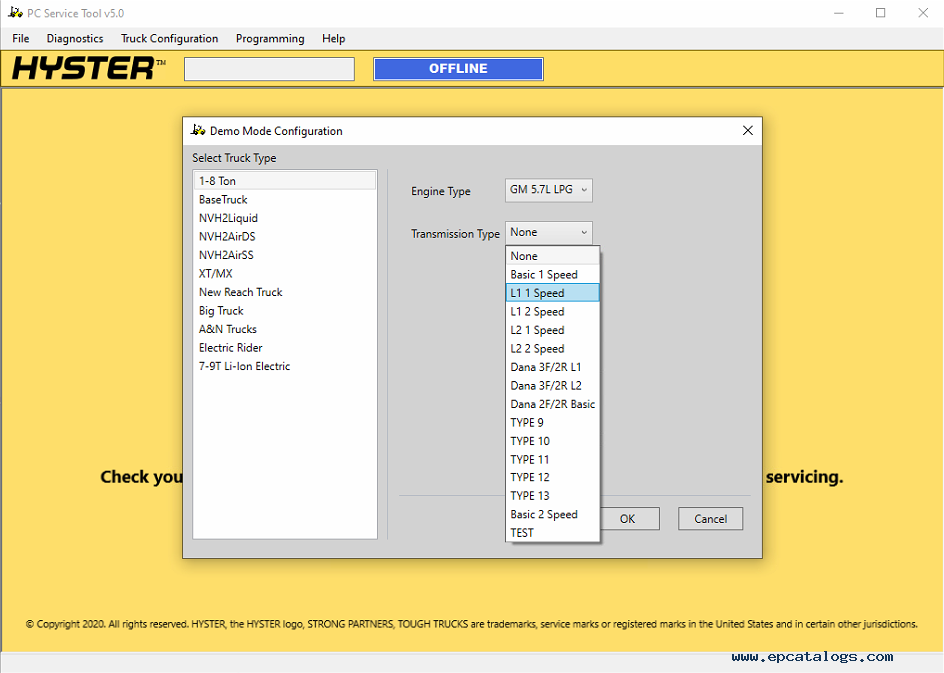
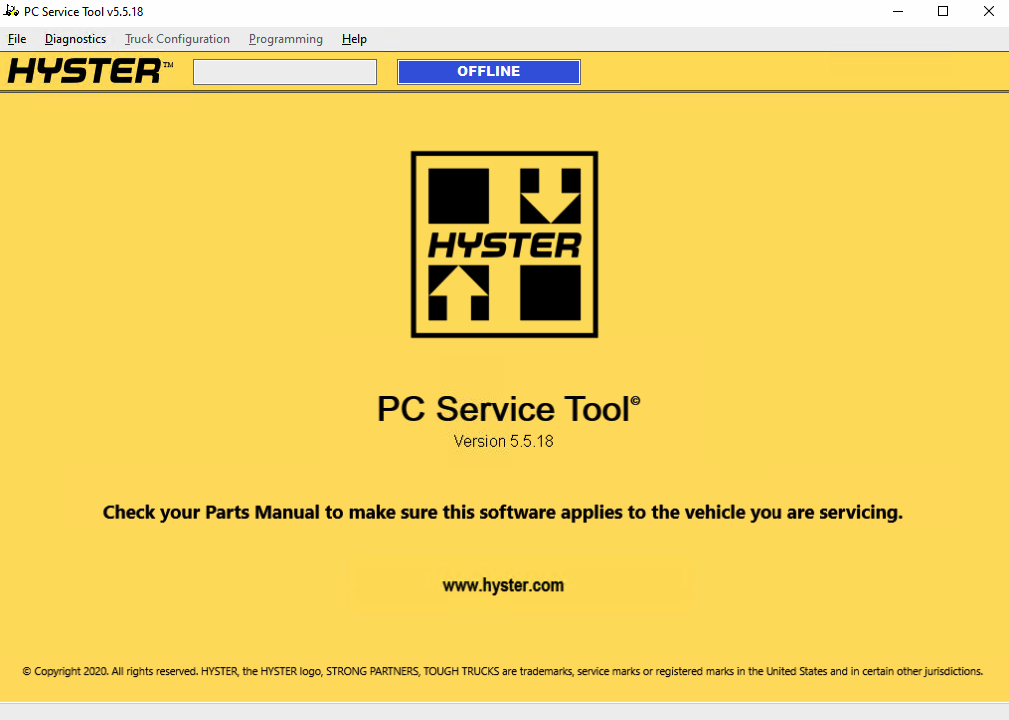
Hyster v5.5 PC Service Tool is used for Hyster ICE and Electric Rider trucks and new Electric Warehouse products. It is an updated diagnostic tool designed to help the technician use the program as efficiently as possible, better understand the equipment, and inform in time about problems that may arise.
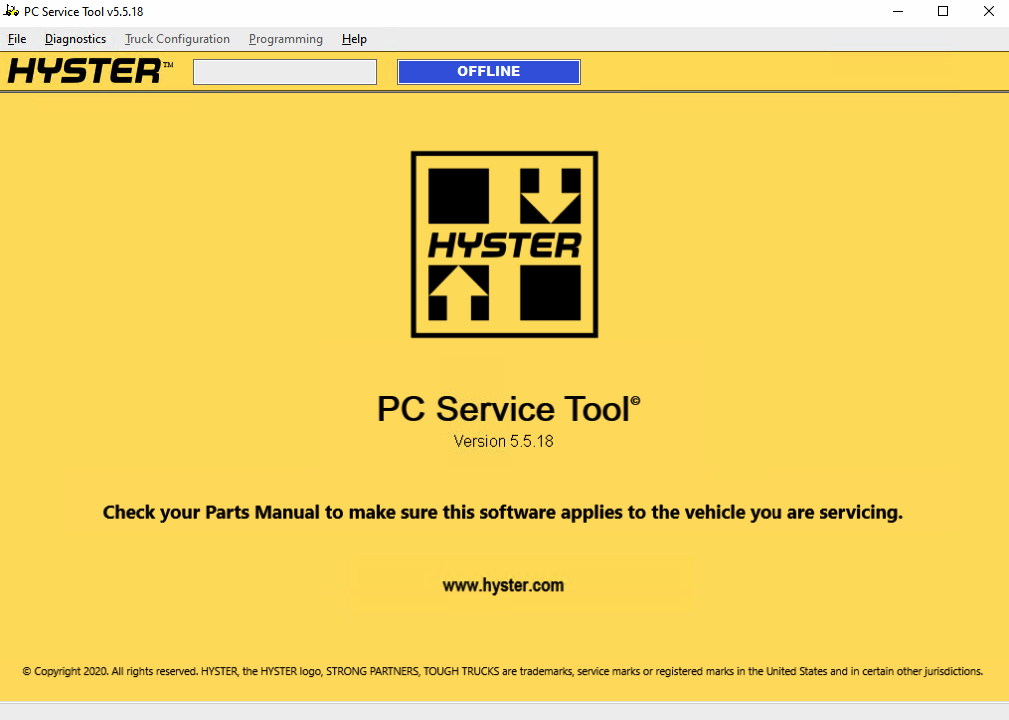
This is a Windows-based service application that provides the best connection of the truck with all its systems. In this application, you will find a lot of valuable information that will help you install and understand the PC Service Tool (PCST). This is a variety of technical information, such as charts and tables, recommendations for installation and use, and much more.
This program is easy to use and for quality work, you need only a couple of parts, namely to install the following on your computer:
To authorize a user, you need to enter a login and password.
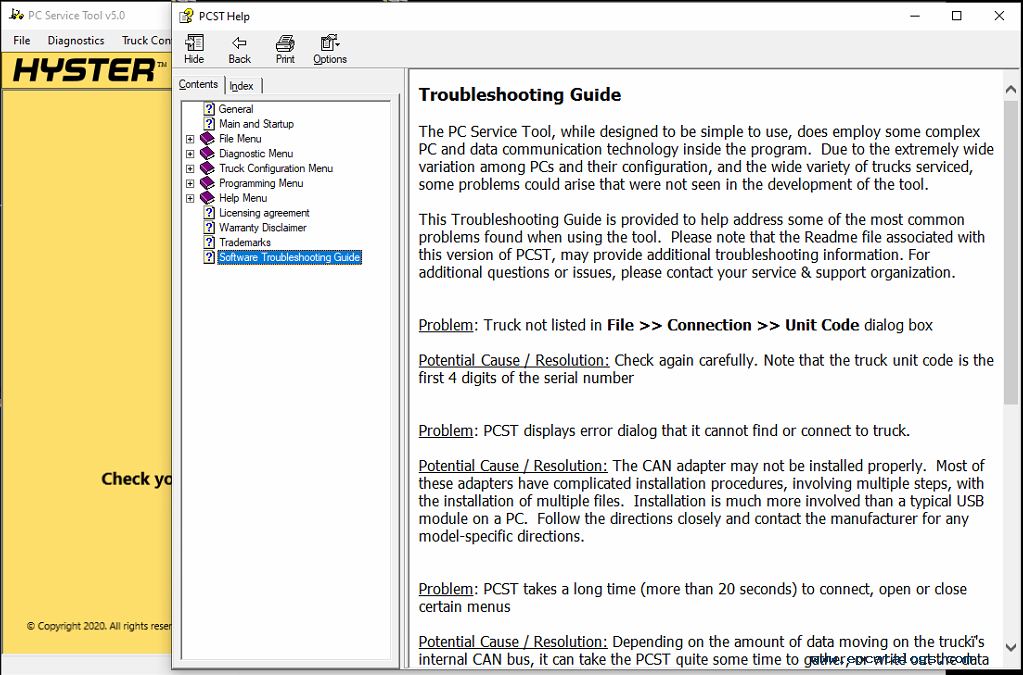
PC Service Tool is designed best for high-quality data transfer to the normal user. The manufacturer guarantees that this version of the program is a quality and proven product, but, nevertheless, it is a mechanism and it is common for it to fail.
In order to avoid unforeseen situations, as well as any problems, the experts have prepared a table where possible failures and ways to solve them are clearly stated. Thus, Hyster takes care of his clients, and if you have any problems installing or using this program, please let us know.
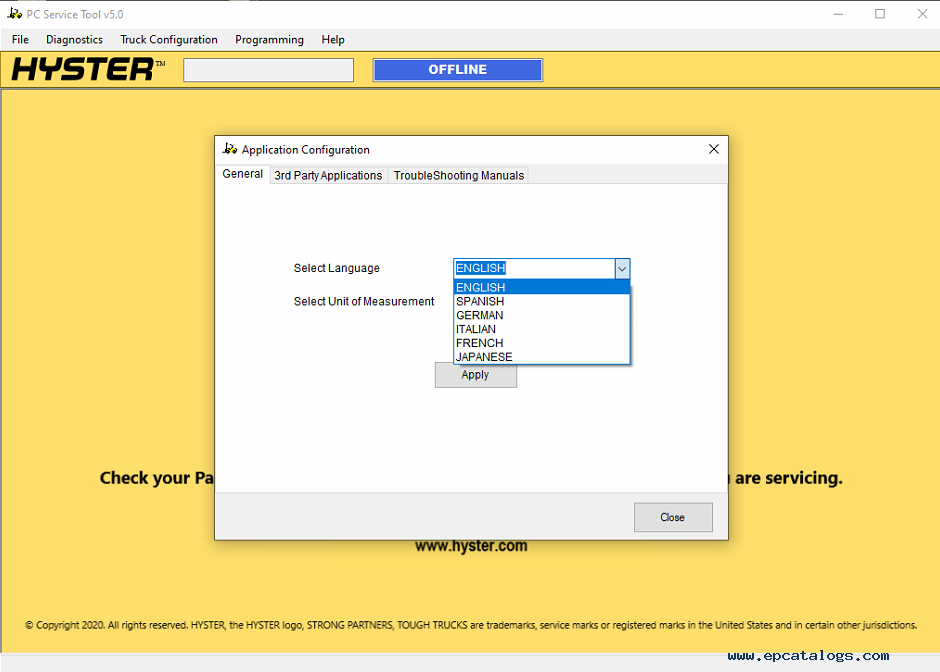
This diagnostic tool works with OS Windows 7/8.1/10 and supports multilanguage including English, Spanish, German, Italian, and others.
Our company provides for sale original spare part catalogs, workshop manuals, diagnostic software for all models of engines, cars, trucks, buses, forklifts, tractors, harvesters, cranes, buldozers, generators, construction and agricultural machines, motorcycles. To purchase a catalog online, please add the product to your cart, fill in the contact form online. Our managers proceed your order the same day.

![Diagnostic Software AGCO Power WinEEM5 SERVICE TOOL v9.0 [2025]](/imgs/diagnostics_icon.gif)

© 2026 epcatalogs.com Hyster PC Service Tool v5.5.18 Programming Level 06/2025 Diagnostic Software, Diagnostics, Diagnostic Software |
Terms of Service | DMCA Notice Of Copyright Infringement |


|