

![spare parts catalog CLAAS Parts Doc Offline Update v919 [02.2026]](/imgs/type_zapch.gif)
The Claas parts catalog 02/2026 Upd 915 features step-by-step service procedures, repair illustrations, detailed wiring diagrams, and manufacturer specifications and are easy to follow.
200$
[02/2026]

| |
| Type of catalogue: | Diagnostic Software |
| Make: | Cummins |
| Region: | WorldWide |
| Inclusive languages: |
Multi-languages |
| Amount of disks: |
330 MB |
| OS: | Windows 10 32 bit, Windows 10 64 bit, Windows 11 64 bit, Windows 11 Pro 64 bit |
| Price, USD: | 150 |
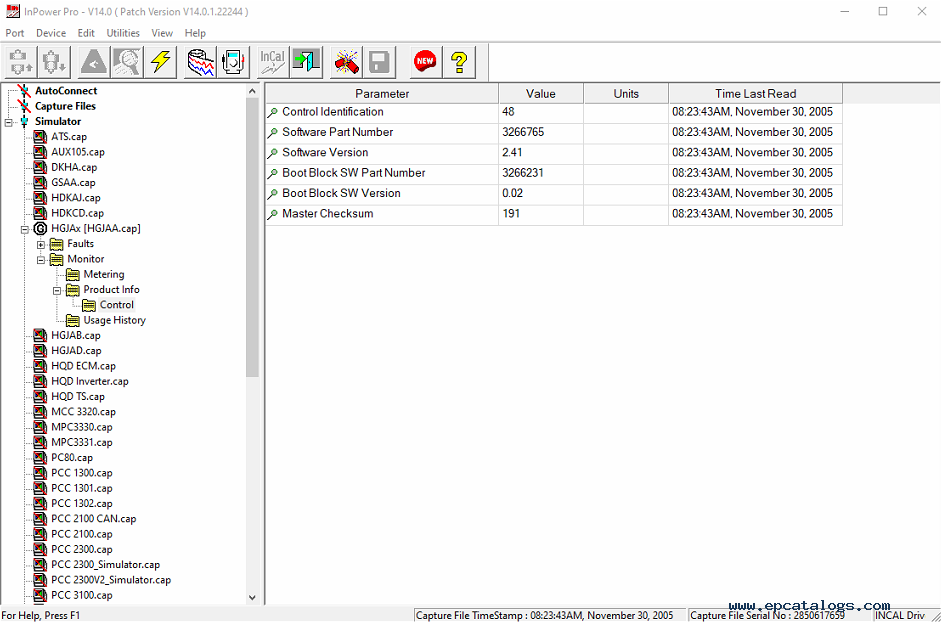
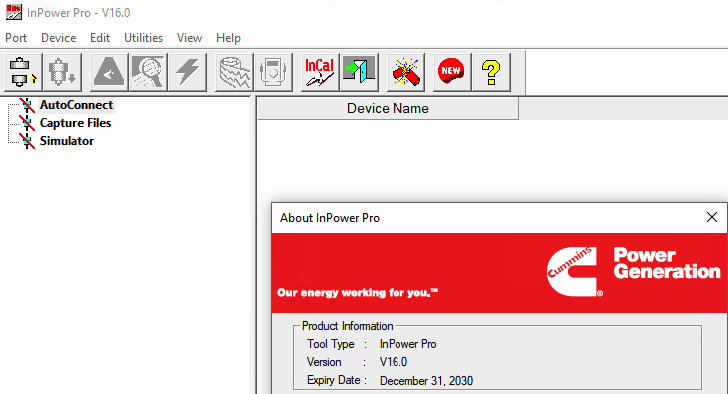
Cummins InPower v16.0.0 is a diagnostic and service application designed to connect a standard personal computer directly to Cummins PowerCommand® control systems. It is used in day-to-day service work with generator sets and related equipment that rely on microprocessor-based controls.
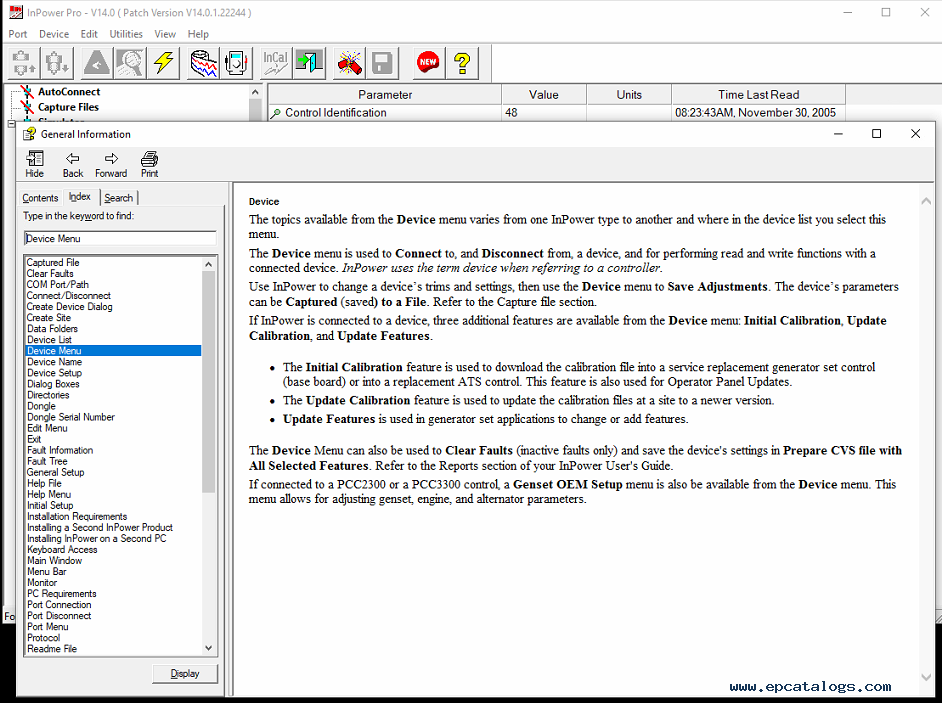
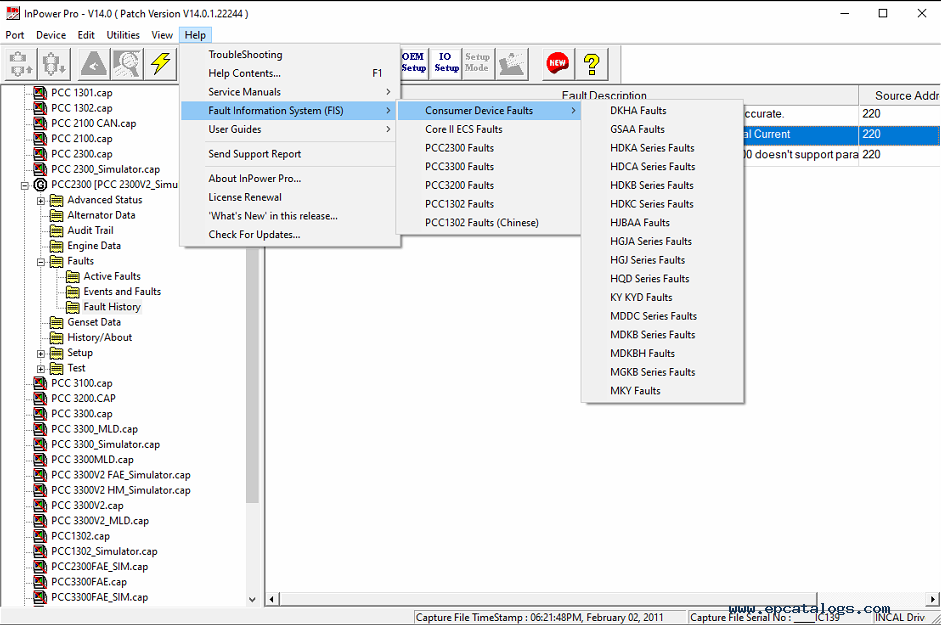
Once connected, the software gives technicians access to key electronic service functions: monitoring live parameters, viewing and clearing fault codes, adjusting trims and settings, logging data, and generating service reports. Tools like strip charts and real-time monitoring help track system behavior over time, making it easier to understand what is happening before, during, and after an event.
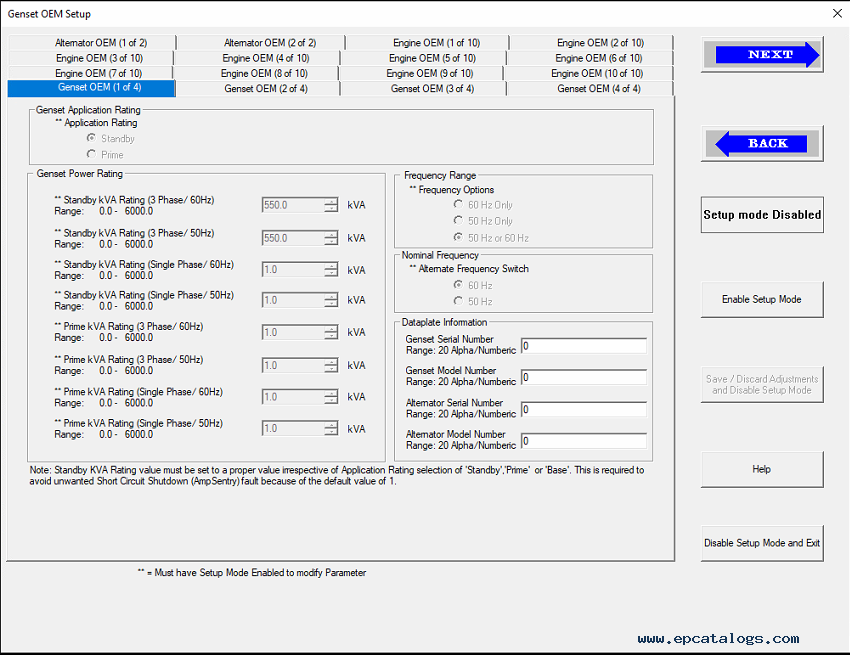
InPower also supports configuration and calibration tasks. It allows technicians to review existing controller setups, analyze operational data, and identify potential issues before they turn into failures. Because these adjustments directly affect how the equipment operates, correct configuration is critical. For this reason, after-sales support is provided to help avoid misconfiguration that could interrupt operation.
Version 16.0 focuses on platform compatibility and overall stability. This release officially updates operating system support and introduces internal improvements aimed at better security and reliability during everyday use.
The application is compatible with modern Windows environments, ensuring consistent performance on currently supported systems. Older operating systems are no longer supported to maintain security standards and long-term stability.
Supported operating systems:
Operating systems no longer supported:
This version also includes a set of internal updates. Security mechanisms have been strengthened to better protect system interactions, and a number of general bug fixes and performance improvements have been applied to improve overall reliability.
This version introduces compliance-related improvements for Raven EFI systems. To meet CARB 2024 emission requirements, InPower now detects the calibration part number stored in the Raven controller (Device ID 72). If a different calibration is selected, the software prevents initial calibration to avoid incorrect setup.
In addition, this release includes general bug fixes and stability improvements.
Several usability and compatibility updates were introduced in this release. The TPL file format was updated to a Guidanz-compatible JSON format, improving integration with related diagnostic tools.
The connection error screen now provides more detailed and informative messages, helping users diagnose communication issues more quickly. Documentation was also updated to reflect the end of support for Windows 8.
The firmware version manager was enhanced to support multiple calibrations for a single device ID. In addition, for PCC3300V1 strategic build #A066N050, the software now displays the correct informational message when working with the latest calibration file.
Support was added for additional devices, including MABEL (MEHPS Inverter), the EDCS Controller (MPC3334), and EDCS HMI (HMI 403).
This version also resolved several known issues. Witness protection tests can now be performed on Core 2 devices, and a performance issue that caused slow initial calibration has been corrected.
Cummins InPower Pro provides a broad set of service and diagnostic capabilities, including:
The software supports a wide range of Cummins control modules and devices, including but not limited to:
ATS.cap, AUX105.cap, DKHA.cap, GSAA.cap, HDKAJ.cap, HDKCD.cap, HGJAA.cap, HGJAB.cap, HGJAD.cap,
HQD ECM.cap, HQD Inverter.cap, HQD TS.cap,
MCC 3320.cap, MPC3330.cap, MPC3331.cap,
PC80.cap, PCC 1300.cap, PCC 1301.cap, PCC 1302.cap,
PCC 2100.cap, PCC 2100 CAN.cap, PCC 2300.cap, PCC 3100.cap, PCC 3200.cap, PCC 3300.cap,
PCC 3300V2.cap, PCC 3300MLD.cap, PCC 3300HM.cap,
PCS GCP.cap, PCS_NonGCP.cap,
PS0500.cap, PS0600.cap,
QSK23.cap, QSK45.cap, QSK60.cap, QSK78.cap, QST30.cap, QSX15.cap, and related simulator variants.
Delivery format: Instant Download. After purchase, the software is available immediately for download and installation.
No external sources were used.
Our company provides for sale original spare part catalogs, workshop manuals, diagnostic software for all models of engines, cars, trucks, buses, forklifts, tractors, harvesters, cranes, buldozers, generators, construction and agricultural machines, motorcycles. To purchase a catalog online, please add the product to your cart, fill in the contact form online. Our managers proceed your order the same day.


© 2026 epcatalogs.com Cummins InPower PRO v16.0 2026, Diagnostics, Diagnostic Software |
Terms of Service | DMCA Notice Of Copyright Infringement |


|