

![spare parts catalog CLAAS Parts Doc Offline Update v933 [05.2026]](/imgs/type_zapch.gif)
The Claas parts catalog 05/2026 Upd 933 features step-by-step service procedures, repair illustrations, detailed wiring diagrams, and manufacturer specifications and are easy to follow.
200$
[05/2026]

| |
| Type of catalogue: | spare parts catalog |
| Make: | ZF |
| Region: | WorldWide |
| Inclusive languages: |
MULTI |
| Amount of disks: |
2 CD |
| OS: | WinXP, Win7 |
| Price, USD: | 40 |
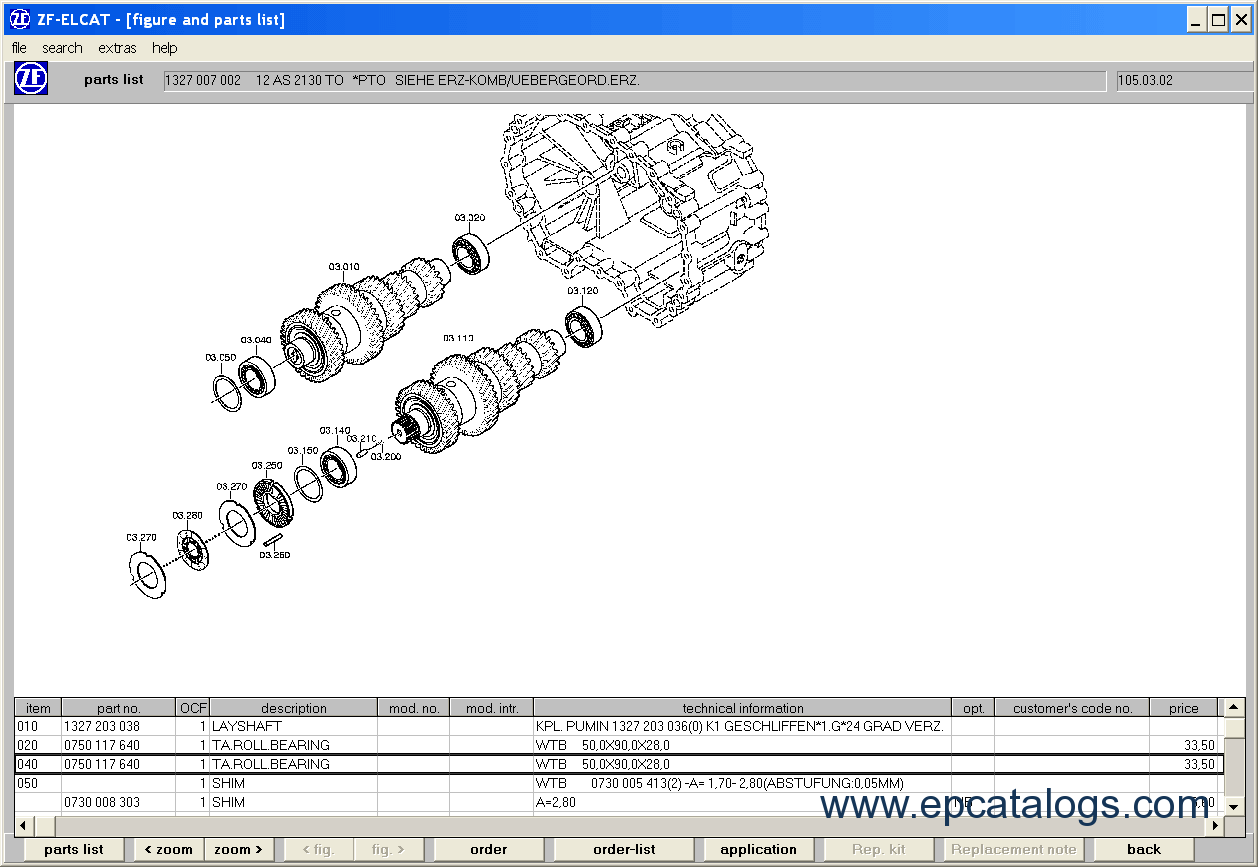
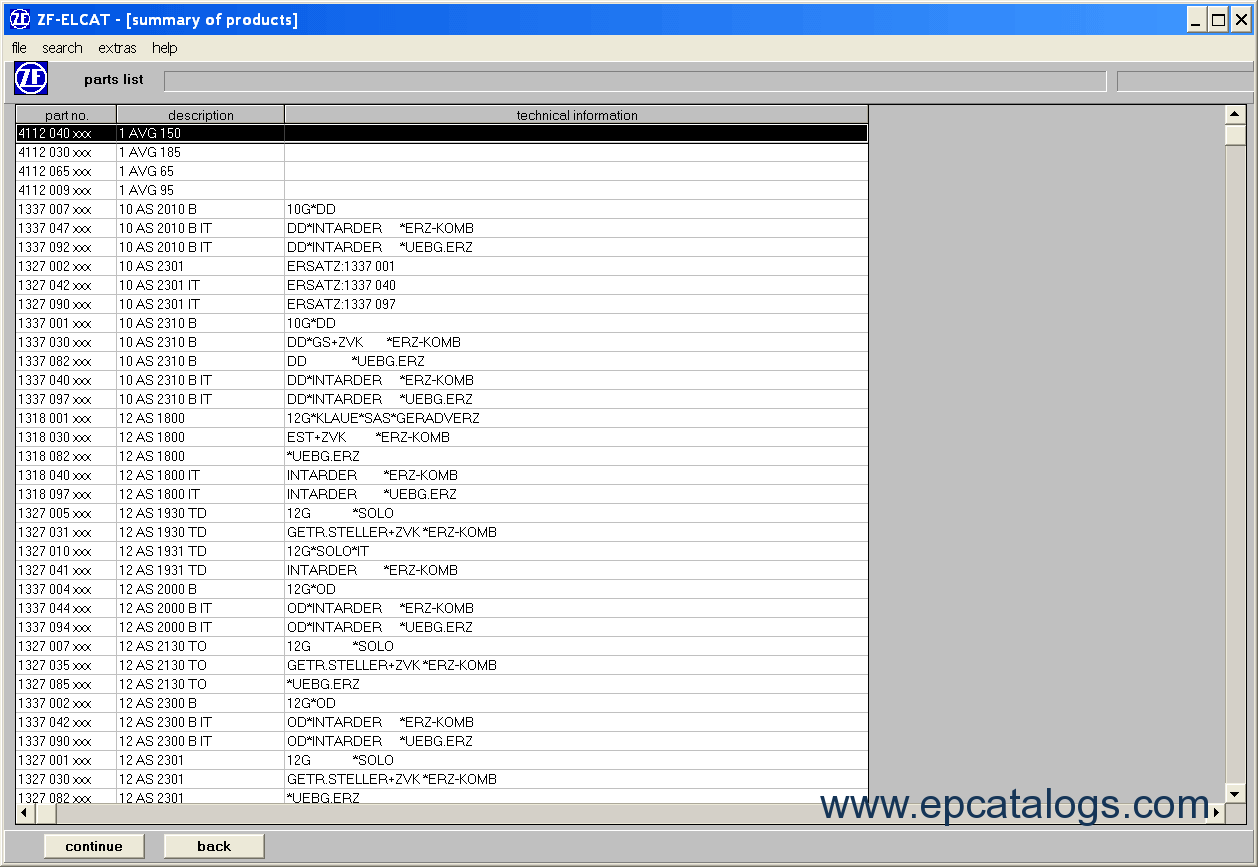
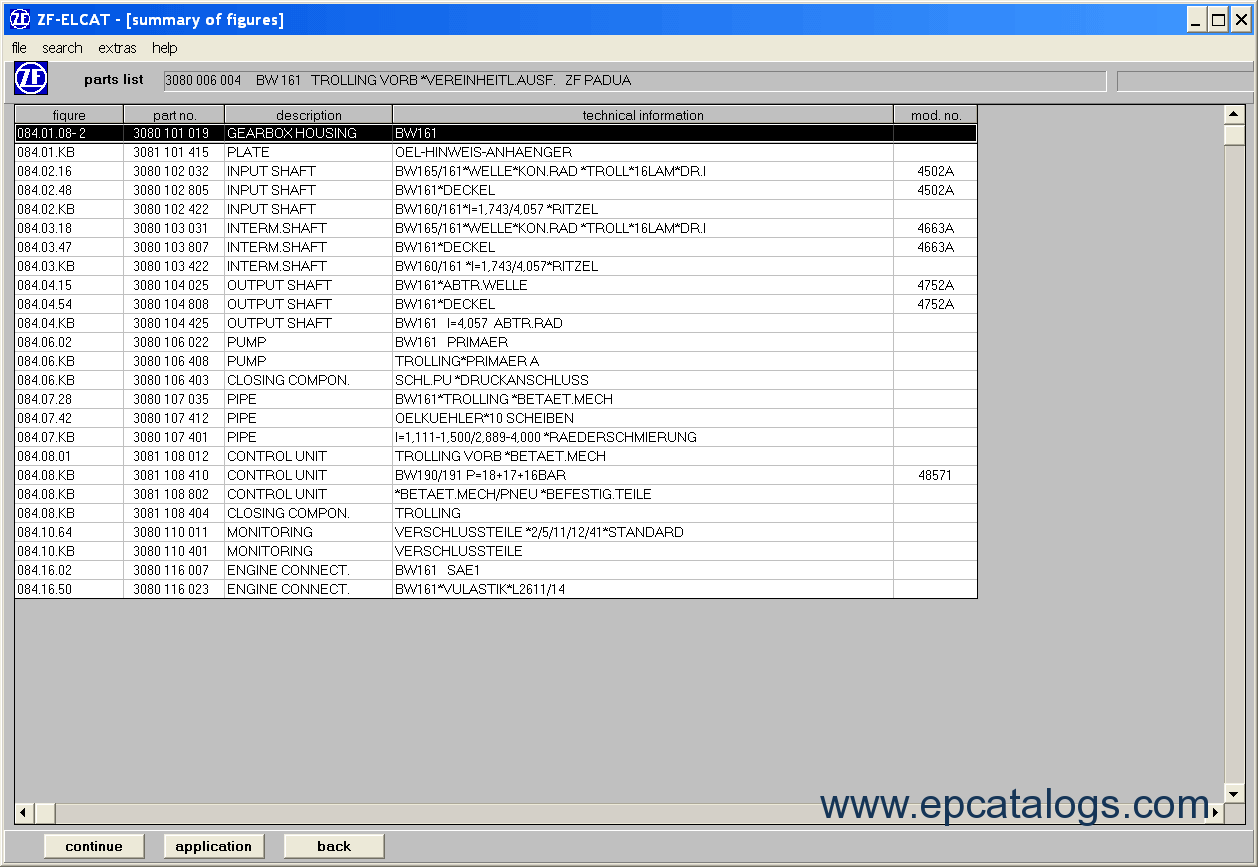
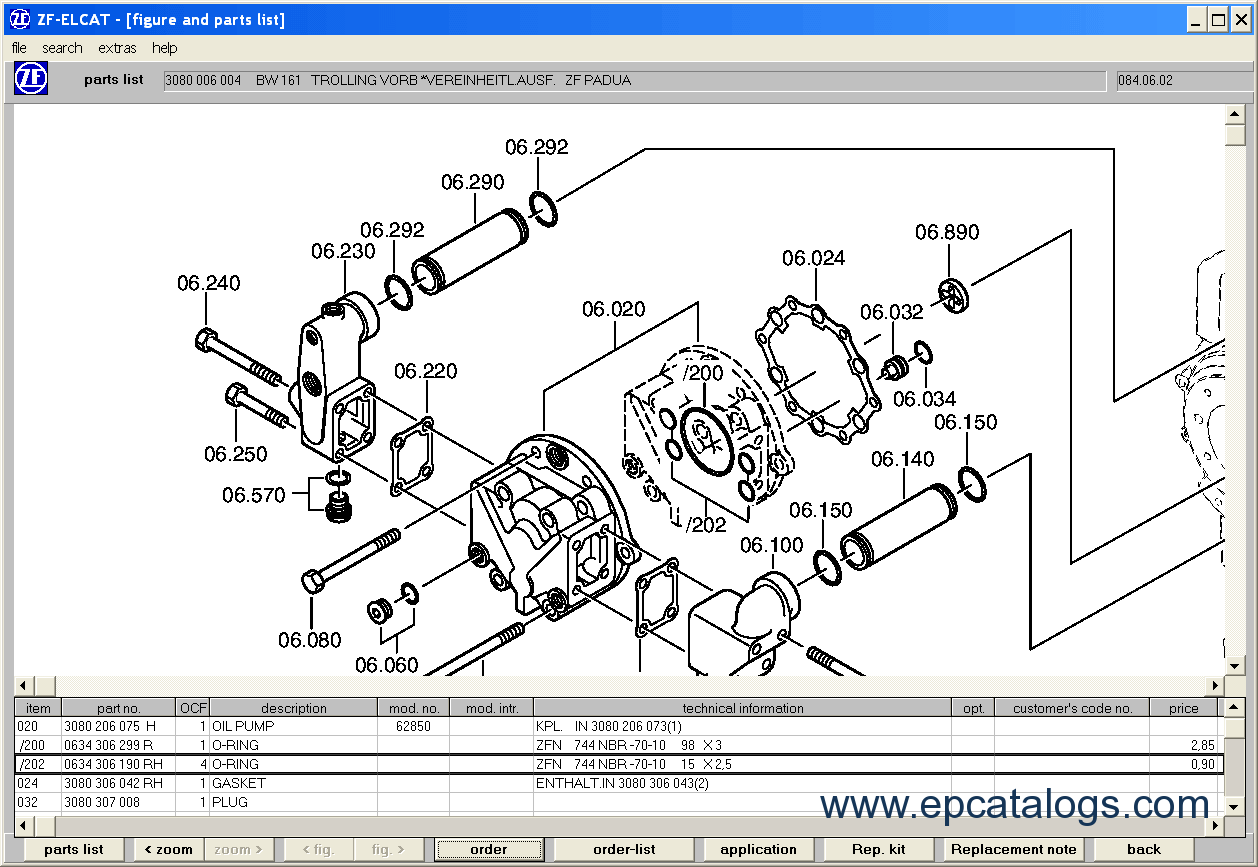
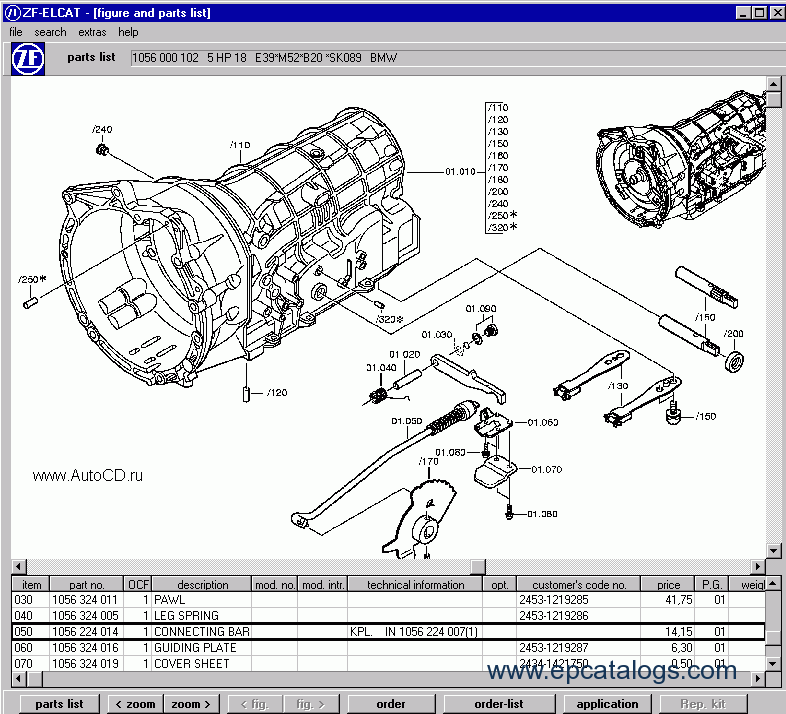
Electronic catalogue ZF ELCAT contains the full information on a check point, devices of selection of capacity, for automobile and lorries. It is delivered on one CD. Work ZF ELCAT with use of CD of a disk, or full installation is possible(probable). The program ZF ELCAT allows to search for details under original number. For each detail it is possible to look the list of machines using this detail and conformity to original numbers.
ZFF = ZF Friedrichshafen AG
ZFS = ZF Getriebe GmbH Saarbrьcken
ZFP = ZF Passau GmbH
Q: Error message ‘illegal function call’
A: A known cause: ELCAT installation while other Windows programs are still open. End all opened programs, de-install ELCAT (use de-install program), perform ELCAT-Setup again.
Q: Error message when starting ELCAT: "ZF-ELCAT cannot read date format selected"
A: To determine purge date when starting application, use actual PC date to find out valid time of ELCAT. The error cause could be the country-specific date format chosen (system control> country code> date > format). ELCAT accepts the following formats: D = Day, M = Month, Y = Year (DD.MM.YY; DD.MM.YYYY; DD.MMM.YYYY;DD.MMMM.YYYY; YY.MM.DD; YYYY.MM.DD; YYYY.MMM.DD;YYYY.MMMM.DD). Separators permitted are slash ( / ), hyphen ( - ), comma ( , ); dot ( . ) and blank. If necessary, change date format in the system control of your PC and re-start ELCAT.
Q: Error message ‘Error Code (11) CD-ROM not found, please check drive or path!’’
A: a) No or incorrect CD loaded in CD-drive.
b) Temporarily no connection to server (check).
c) You have otherwise occupied/altered the server network drive letter used for installation or the connection to the server is not active (‘Connect to network drive at startup' is not marked).
Q: During printout of a catalogue format setting of the printer is repeatedly reset to portrait/landscape format.
A: To permanently change print format the printerґs standard setting needs to be changed. Print format change in the print window of ELCAT only results in a temporary change for the respective print command.
Q: When switching between ELCAT and other applications via the task bar, it is not possible to activate this window any more (this only occurs if an additional window, e.g. replacement note, is open in ELCAT at the time).
A: Press the Alt+Tab key and switch to the ELCAT window using the Tab key, or open the Task Manager (click the right mouse button on the task bar), then change into the ELCAT application.
Q: WIN 9.x clients in one network (NT server).
Error report: "System error. File already opened by other application. End application and repeat process."
The error window has three buttons ( [Terminate] [Terminate] [Repeat] ).
A: Press left button [terminate] 2 times to continue application (error cause presently not known; error correction in process). Error rectified as of version 4/99.
Q: How do I ascertain a higher-order parts list if only the parts list number of the main transmission is known?
A: When searching 'parts list no.' enter the know parts list no. of the main transmission in shortened form (e.g. only 7-9 digits). You will then receive a parts list summary. There you mark the respective parts list and press the button use - a higher-order parts list will then be displayed. Mark this parts list, too, and again press the button use. If the indication ‘no use found' is displayed, you have found the higher-order parts list sought for.
Q: How do I find repair kits?
A: If you are dealing with parts lists of products from ZF-Saarbrьcken, the individual kits are always saved under the general parts list (e.g. see parts list 1043 074 008). If you are dealing with parts list of products from ZF-Friedrichshafen, you will find the repair kits:
1. via the table of contents; all the kits available for each model are saved there under the relevant sample with the middle 3-digit group of the parts number xxxx 098/099 xxx (name = repair kit) (e.g. see parts list 1315 098). By double clicking you will move to a parts list overview containing one or more parts lists for repair kits. The next step provides a summary of figures of the kits available. The contents of the individual kits are displayed in the following figuresand parts list.
2. via the 'model name' search and by entering 'rep', you will move to a model overview of all the repair kits saved (only applies to ZFF). Select the model in question by double clicking on it and you will see a parts list overview. The next steps are the same as those described above under 1.
Q: What must I bear in mind when changing from a standalone version to a multi-workplace version?
A: 1. The costs are the main difference between a standalone and a multi-workplace version.
2. Print the order form (CD-ROM) and send this with the relevant stamp to your contact partner
3. You will receive a new licence no. and, if nec., a new PIN code.
4. You must reinstall the ELCAT with the new licence no.
Important: before this installation, the application must be fully deleted from the hard disk of your PC ('ZF-ELCAT' directory on C:). Use the desinstallation program to do this.
Q: Is the ELCAT year 2000 compliant?
A: The manufacturer has confirmed that the application itself and the set-up program are fully compliant for the year 2000.
You, yourself will have to test that the hardware/software/operating system that you are using is compliant with the year 2000. If you are using an older PC, please note that this capability will not always be ensured under certain circumstances. This could lead to be problems if the machine is used in conjunction with the check of ”use-by” date of the ELCAT.
Our company provides for sale original spare part catalogs, workshop manuals, diagnostic software for all models of engines, cars, trucks, buses, forklifts, tractors, harvesters, cranes, buldozers, generators, construction and agricultural machines, motorcycles. To purchase a catalog online, please add the product to your cart, fill in the contact form online. Our managers proceed your order the same day.
ZF Part List Agricultural 2024
ZF Agricultural 10.2024 EPC — Offline Electronic Parts Catalog This program includes detailed information on parts for ZF transmissions related to Agricultural equipment
100$
[10/2024]
|

ZF 4HP22 6HP26 5HP19 5HP24 5HP30 Transmission PDF Manuals
Set contains special service instructions, installation instructions, service information for serve and repair ZF gearbox 4HP22, 6HP26, 5HP19, 5HP24, 5HP30.
60$
[]
|
ZF 5HP19 and 5HP19 FL/A
For maintenance and repair automatic transmission series ZF, you should purchase a repair manual ZF 5HP19 and 5HP19 FL/A, which contains detailed instructions, a description of all repair procedures, service manuals and instructions.
50$
[01/2002]
|
ZF WG-180, WG-200 Power Transmission Workshop Manual PDF
PDF workshop manual contains detailed service information and instructions for transmissions ZF WG-180, WG-200.
50$
[10/1995]
|

![Diagnostic Software AGCO Power WinEEM5 SERVICE TOOL v9.0 [2025]](/imgs/diagnostics_icon.gif)
© 2026 epcatalogs.com ZF Elcats Parts Catalog, Heavy Technics + Repair, spare parts catalog |
Terms of Service | DMCA Notice Of Copyright Infringement |


|